The same plot in 14 other libraries — Python: Altair, Bokeh, lets-plot, Plotly, plotnine, Pygal, Seaborn; R: ggplot2; Julia: Makie.jl; JavaScript: Chart.js, D3.js, Apache ECharts, Highcharts, MUI X Charts. Compare all 15 side by side: Printable Maze Puzzle in Python, R, Julia and JavaScript.
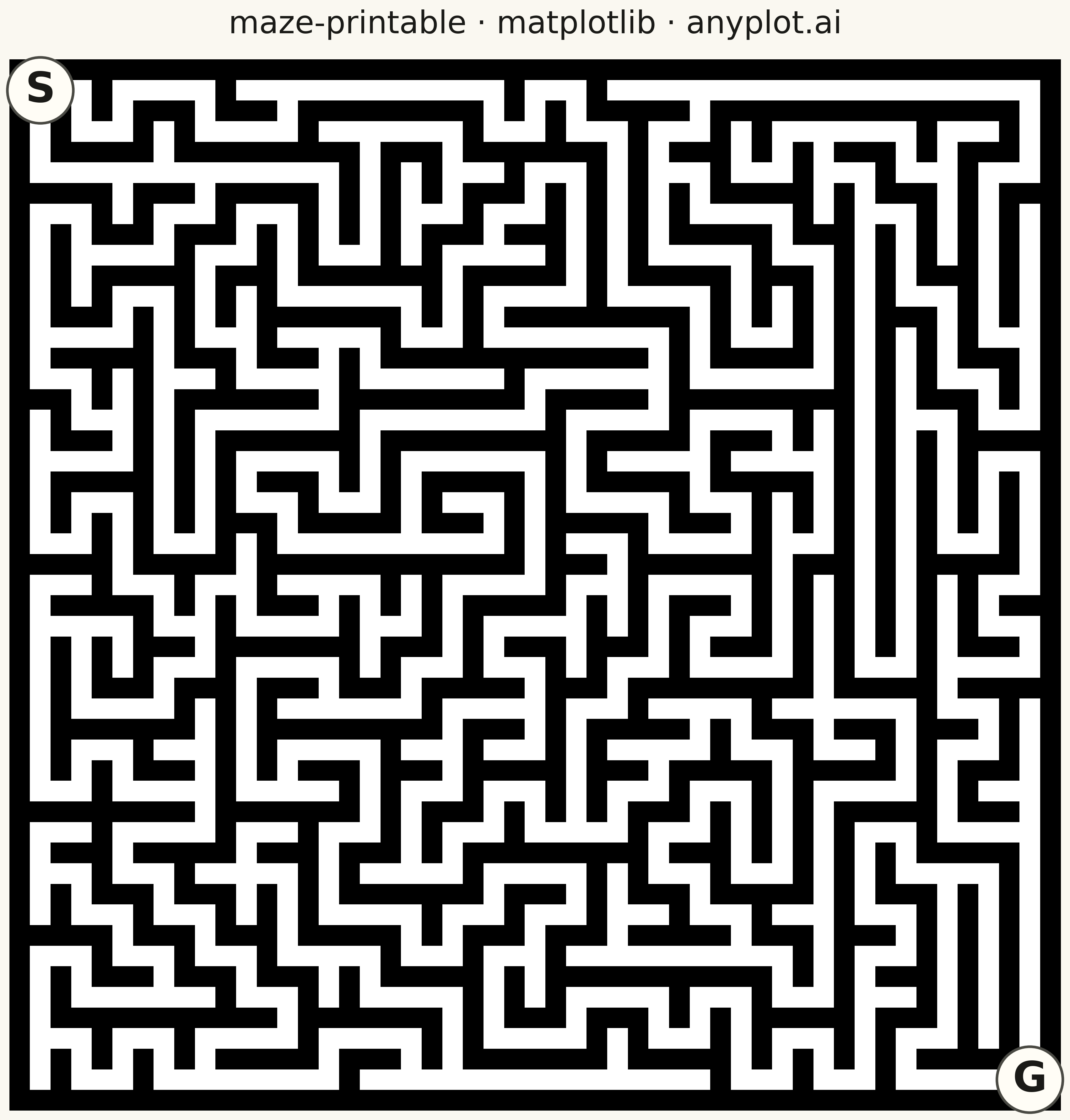
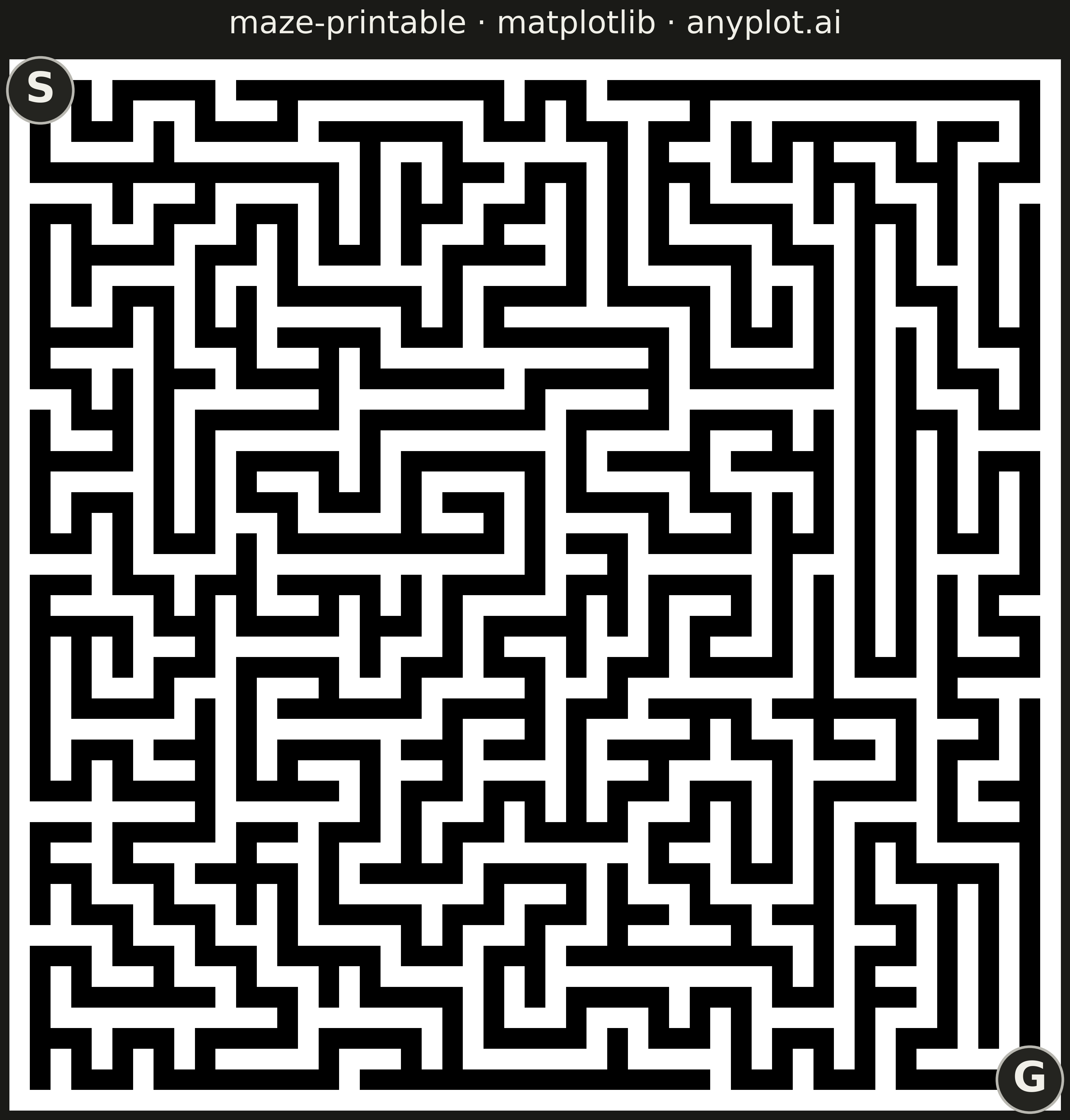
A rectangular maze puzzle visualization with clearly marked start and goal positions. The maze is algorithmically generated to guarantee exactly one solution path from start to finish. The clean black-and-white design is optimized for printing, allowing users to solve the puzzle with a pen or pencil.
""" anyplot.ai
maze-printable: Printable Maze Puzzle
Library: matplotlib 3.10.9 | Python 3.13.13
Quality: 75/100 | Updated: 2026-05-16
"""

import os

import matplotlib.pyplot as plt
import numpy as np


# Theme tokens
THEME = os.getenv("ANYPLOT_THEME", "light")
PAGE_BG = "#FAF8F1" if THEME == "light" else "#1A1A17"
INK = "#1A1A17" if THEME == "light" else "#F0EFE8"

# Maze generation using Depth-First Search (DFS) algorithm
np.random.seed(42)

width = 25  # Number of cells horizontally
height = 25  # Number of cells vertically

# Initialize maze grid: 0 = wall, 1 = passage
# Using 2*size+1 to account for walls between cells
maze_width = 2 * width + 1
maze_height = 2 * height + 1
maze = np.zeros((maze_height, maze_width), dtype=int)

# DFS maze generation
visited = np.zeros((height, width), dtype=bool)
stack = [(0, 0)]
visited[0, 0] = True
maze[1, 1] = 1  # Start cell is passage

directions = [(0, 1), (1, 0), (0, -1), (-1, 0)]  # right, down, left, up

while stack:
    cy, cx = stack[-1]

    # Find unvisited neighbors
    neighbors = []
    for dy, dx in directions:
        ny, nx = cy + dy, cx + dx
        if 0 <= ny < height and 0 <= nx < width and not visited[ny, nx]:
            neighbors.append((ny, nx, dy, dx))

    if neighbors:
        # Choose random neighbor
        ny, nx, dy, dx = neighbors[np.random.randint(len(neighbors))]

        # Remove wall between current cell and neighbor
        wall_y = 2 * cy + 1 + dy
        wall_x = 2 * cx + 1 + dx
        maze[wall_y, wall_x] = 1

        # Mark neighbor as passage and visited
        maze[2 * ny + 1, 2 * nx + 1] = 1
        visited[ny, nx] = True
        stack.append((ny, nx))
    else:
        stack.pop()

# Define start and goal positions (in maze coordinates)
start_y, start_x = 1, 1  # Top-left cell
goal_y, goal_x = maze_height - 2, maze_width - 2  # Bottom-right cell

# Create figure (square format for maze)
fig, ax = plt.subplots(figsize=(12, 12), facecolor=PAGE_BG)

# Draw maze - walls and passages with theme-adaptive colors
# For printable maze: black walls on white passages works in both themes
# Light: black walls, white passages; Dark: white walls, dark passages
maze_display = maze.copy().astype(float)
if THEME == "dark":
    maze_display = 1 - maze_display

ax.imshow(maze_display, cmap="gray", interpolation="nearest", aspect="equal")
ax.set_facecolor(PAGE_BG)

# Mark start position with "S"
ax.text(start_x, start_y, "S", fontsize=28, fontweight="bold", ha="center", va="center", color=INK)

# Mark goal position with "G"
ax.text(goal_x, goal_y, "G", fontsize=28, fontweight="bold", ha="center", va="center", color=INK)

# Remove axes for clean printable appearance
ax.set_xticks([])
ax.set_yticks([])
ax.spines["top"].set_visible(False)
ax.spines["right"].set_visible(False)
ax.spines["bottom"].set_visible(False)
ax.spines["left"].set_visible(False)

# Title
ax.set_title("maze-printable · matplotlib · anyplot.ai", fontsize=24, color=INK, pad=20)

plt.tight_layout()
plt.savefig(f"plot-{THEME}.png", dpi=300, bbox_inches="tight", facecolor=PAGE_BG)
Runnable source as JSON, for any HTTP client: https://api.anyplot.ai/specs/maze-printable/matplotlib/code. Any spec id and library id listed in llms-full.txt fit the same URL shape; every URL below is complete and callable.
{
  "spec_id": "maze-printable",
  "language": "python",
  "library": "matplotlib",
  "page": "https://anyplot.ai/maze-printable/python/matplotlib",
  "hub": "https://anyplot.ai/maze-printable",
  "code_json": "https://api.anyplot.ai/specs/maze-printable/matplotlib/code",
  "spec_json": "https://api.anyplot.ai/specs/maze-printable",
  "render_light_png": "https://storage.googleapis.com/anyplot-images/plots/maze-printable/python/matplotlib/plot-light.png",
  "render_dark_png": "https://storage.googleapis.com/anyplot-images/plots/maze-printable/python/matplotlib/plot-dark.png",
  "quality_score": 75.0,
  "license": "MIT",
  "guide": "https://anyplot.ai/llms.txt"
}
Part of Printable Maze Puzzle on anyplot.ai.