The same plot in 14 other libraries — Python: Altair, Bokeh, lets-plot, Matplotlib, Plotly, plotnine, Pygal, Seaborn; R: ggplot2; JavaScript: Chart.js, D3.js, Apache ECharts, Highcharts, MUI X Charts. Compare all 15 side by side: Crossword Puzzle Grid in Python, R, Julia and JavaScript.
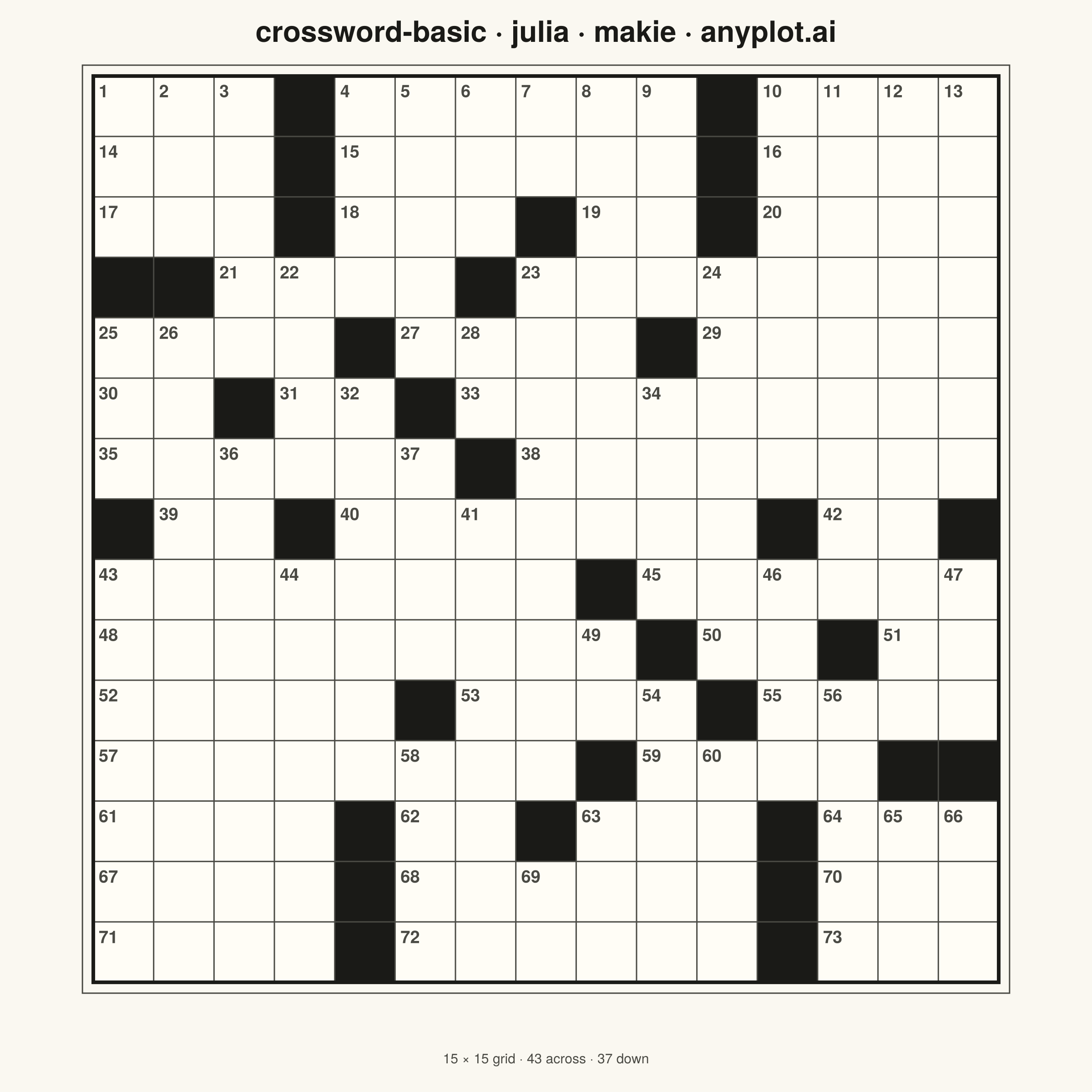
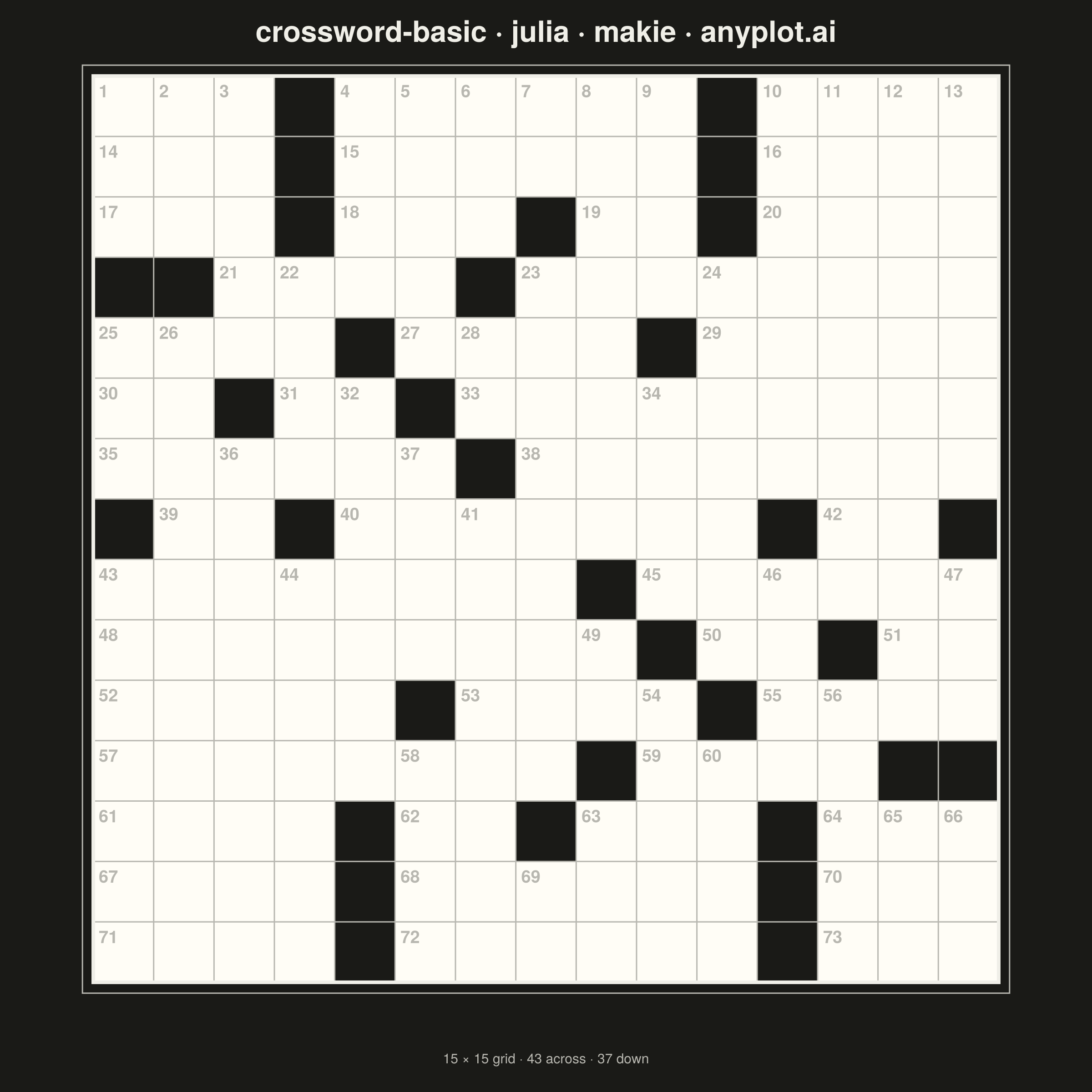
A crossword puzzle grid visualization with white entry cells for letters, black blocking cells, and numbered starting positions for across and down words. The symmetric black cell pattern follows traditional newspaper-style crossword conventions, creating a clean and recognizable puzzle layout suitable for printing or digital display.
# anyplot.ai
# crossword-basic: Crossword Puzzle Grid
# Library: makie 0.21.9 | Julia 1.11.9
# Quality: 85/100 | Updated: 2026-09-02

using CairoMakie
using Colors

# --- Theme tokens -------------------------------------------------------------
const THEME    = get(ENV, "ANYPLOT_THEME", "light")
const PAGE_BG  = THEME == "light" ? colorant"#FAF8F1" : colorant"#1A1A17"
const INK      = THEME == "light" ? colorant"#1A1A17" : colorant"#F0EFE8"
const INK_SOFT = THEME == "light" ? colorant"#4A4A44" : colorant"#B8B7B0"

# Fixed, theme-invariant data-encoding colors for the grid itself. The
# black/white cell pattern IS the plot's data (newspaper-crossword
# convention), so it must render identically in both themes — unlike the
# chrome tokens above, which are meant to flip.
const CELL_BLOCKED = colorant"#1A1A17"
const CELL_ENTRY   = colorant"#FFFDF6"

# --- Data ----------------------------------------------------------------------
# 15x15 grid; blocking cells carry traditional 180-degree rotational symmetry.
# Seeding only the upper half and mirroring each seed guarantees the symmetry
# by construction rather than by manually checking a hand-typed matrix.
const N = 15

seed_blocks = [
    (1, 4), (1, 11), (2, 4), (2, 11), (3, 4), (3, 8), (3, 11),
    (4, 1), (4, 2), (4, 7), (5, 5), (5, 10), (6, 3), (6, 6),
    (7, 7), (8, 1), (8, 4),
]

blocked = falses(N, N)
for (r, c) in seed_blocks
    blocked[r, c] = true
    blocked[N + 1 - r, N + 1 - c] = true
end

# Word-start numbering: a cell is numbered when it opens an across and/or a
# down entry, scanning left-to-right then top-to-bottom (standard convention).
numbers = zeros(Int, N, N)
counter = Ref(1)
n_across = Ref(0)
n_down = Ref(0)
for r in 1:N, c in 1:N
    blocked[r, c] && continue
    starts_across = (c == 1 || blocked[r, c - 1]) && (c < N && !blocked[r, c + 1])
    starts_down = (r == 1 || blocked[r - 1, c]) && (r < N && !blocked[r + 1, c])
    starts_across && (n_across[] += 1)
    starts_down && (n_down[] += 1)
    if starts_across || starts_down
        numbers[r, c] = counter[]
        counter[] += 1
    end
end

# --- Plot ------------------------------------------------------------------
fig = Figure(
    resolution = (1200, 1200),
    fontsize = 14,
    backgroundcolor = PAGE_BG,
)

ax = Axis(
    fig[1, 1];
    title = "crossword-basic · julia · makie · anyplot.ai",
    titlesize = 32,
    titlecolor = INK,
    aspect = DataAspect(),
    backgroundcolor = PAGE_BG,
)
hidedecorations!(ax)
hidespines!(ax)
xlims!(ax, -0.4, N + 0.4)
ylims!(ax, -0.4, N + 0.4)

# Entry cells (white, for letters) vs. blocking cells (black) — this is the
# plot's data, so both colors are fixed constants that never flip with
# ANYPLOT_THEME (only the surrounding chrome does).
cell_rects = [Rect2f(Float32(c - 1), Float32(N - r), 1.0f0, 1.0f0) for r in 1:N for c in 1:N]
cell_colors = [blocked[r, c] ? CELL_BLOCKED : CELL_ENTRY for r in 1:N for c in 1:N]
poly!(ax, cell_rects; color = cell_colors, strokewidth = 0)

# Grid lines separating every cell
for i in 0:N
    linesegments!(ax, [Point2f(0, i), Point2f(N, i)]; color = INK_SOFT, linewidth = 1.5)
    linesegments!(ax, [Point2f(i, 0), Point2f(i, N)]; color = INK_SOFT, linewidth = 1.5)
end

# Outer frame: a heavier ink rule plus a thin inset accent ruled entirely in
# the surrounding margin (never crossing live cells) gives the grid the
# double-ruled "matted" border common to printed puzzle books, instead of a
# single flat outline.
lines!(
    ax,
    [Point2f(0, 0), Point2f(N, 0), Point2f(N, N), Point2f(0, N), Point2f(0, 0)];
    color = INK,
    linewidth = 4,
)
accent = 0.18
lines!(
    ax,
    [
        Point2f(-accent, -accent), Point2f(N + accent, -accent),
        Point2f(N + accent, N + accent), Point2f(-accent, N + accent),
        Point2f(-accent, -accent),
    ];
    color = INK_SOFT,
    linewidth = 1.5,
)

# Clue-start numbers, top-left corner of each entry cell — sized up and
# bolded so they stay legible on a 2400x2400 canvas at mobile widths.
for r in 1:N, c in 1:N
    numbers[r, c] == 0 && continue
    x = c - 1
    y = N - r
    text!(
        ax,
        x + 0.09,
        y + 1 - 0.08;
        text = string(numbers[r, c]),
        fontsize = 19,
        font = :bold,
        color = INK_SOFT,
        align = (:left, :top),
    )
end

# Subtitle: across/down entry counts add a touch of data storytelling below
# the grid via a second Figure row (Label), beyond the plain grid alone. The
# row needs an explicit fixed height — otherwise the DataAspect()-constrained
# Axis above claims the whole figure and squeezes this row to invisibility.
Label(
    fig[2, 1],
    "$(N) × $(N) grid · $(n_across[]) across · $(n_down[]) down";
    fontsize = 15,
    color = INK_SOFT,
    tellwidth = false,
    padding = (0, 0, 0, 18),
)
rowsize!(fig.layout, 2, Fixed(60))

# --- Save -----------------------------------------------------------------
save("plot-$(THEME).png", fig; px_per_unit = 2)
Runnable source as JSON, for any HTTP client: https://api.anyplot.ai/specs/crossword-basic/makie/code. Any spec id and library id listed in llms-full.txt fit the same URL shape; every URL below is complete and callable.
{
  "spec_id": "crossword-basic",
  "language": "julia",
  "library": "makie",
  "page": "https://anyplot.ai/crossword-basic/julia/makie",
  "hub": "https://anyplot.ai/crossword-basic",
  "code_json": "https://api.anyplot.ai/specs/crossword-basic/makie/code",
  "spec_json": "https://api.anyplot.ai/specs/crossword-basic",
  "render_light_png": "https://storage.googleapis.com/anyplot-images/plots/crossword-basic/julia/makie/plot-light.png",
  "render_dark_png": "https://storage.googleapis.com/anyplot-images/plots/crossword-basic/julia/makie/plot-dark.png",
  "quality_score": 85.0,
  "license": "MIT",
  "guide": "https://anyplot.ai/llms.txt"
}
Part of Crossword Puzzle Grid on anyplot.ai.