The same plot in 14 other libraries — JavaScript: Chart.js, D3.js, Apache ECharts, Highcharts; Python: Altair, Bokeh, lets-plot, Matplotlib, Plotly, plotnine, Pygal, Seaborn; R: ggplot2; Julia: Makie.jl. Compare all 15 side by side: Basic QR Code Generator in Python, R, Julia and JavaScript.
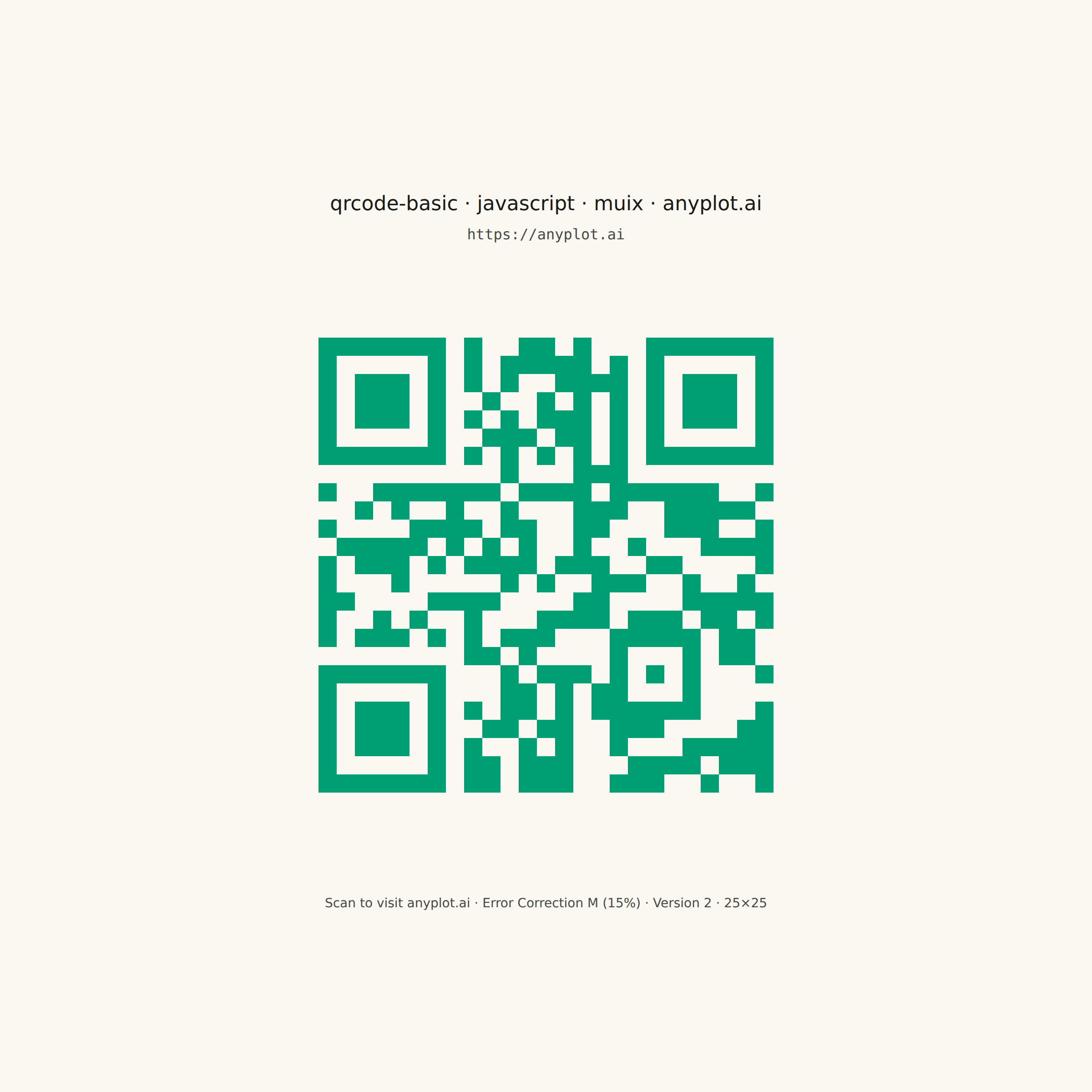
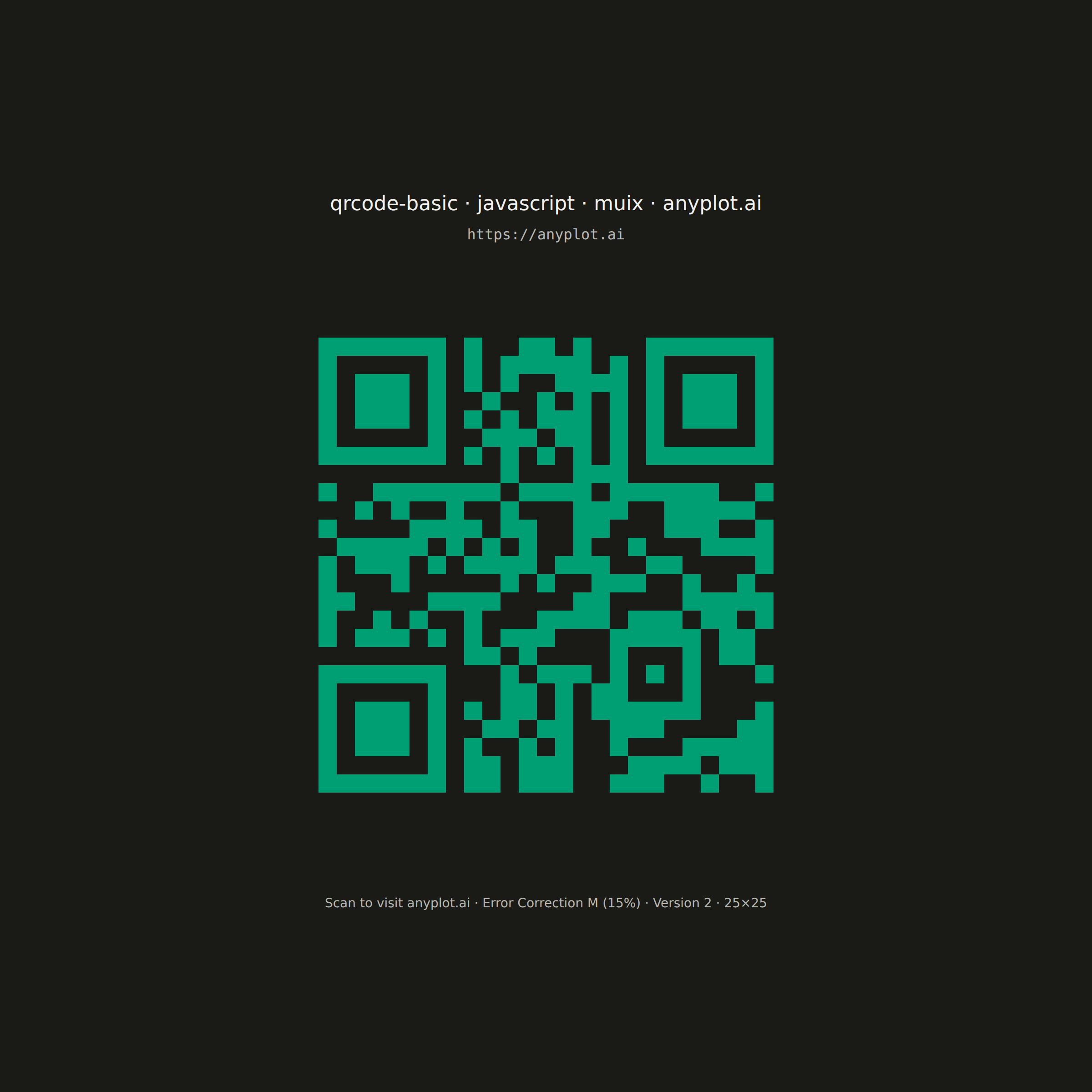
A QR (Quick Response) code visualization that encodes text or URL data into a square matrix barcode pattern. QR codes are two-dimensional barcodes that store information in a grid of black and white squares, readable by smartphones and dedicated scanners. This visualization is useful for generating scannable codes for quick data sharing and mobile access.
// anyplot.ai
// qrcode-basic: Basic QR Code Generator
// Library: muix 7.29.1 | JavaScript 22.23.0
// Quality: 83/100 | Created: 2026-06-24
//# anyplot-orientation: square
// anyplot.ai
// qrcode-basic: Basic QR Code Generator
// Library: MUI X Charts | React | Node 22
// License: @mui/x-charts — MIT (community). Pro/Premium are out of scope.
// Quality: pending | Created: 2026-06-24
import { ChartContainer } from "@mui/x-charts";
import { Box } from "@mui/material";

const t = window.ANYPLOT_TOKENS;

// Pre-computed QR code matrix for "https://anyplot.ai"
// Version 2 (25×25), Error Correction M, Byte mode, Mask 6
const QR_MODULES: number[][] = [
  [1,1,1,1,1,1,1,0,1,0,0,1,1,0,1,0,0,0,1,1,1,1,1,1,1],
  [1,0,0,0,0,0,1,0,1,0,1,1,1,1,1,0,1,0,1,0,0,0,0,0,1],
  [1,0,1,1,1,0,1,0,1,0,1,0,0,1,1,1,1,0,1,0,1,1,1,0,1],
  [1,0,1,1,1,0,1,0,0,1,0,0,1,0,1,0,1,0,1,0,1,1,1,0,1],
  [1,0,1,1,1,0,1,0,1,0,1,0,1,1,1,0,1,0,1,0,1,1,1,0,1],
  [1,0,0,0,0,0,1,0,0,1,1,1,0,1,1,0,1,0,1,0,0,0,0,0,1],
  [1,1,1,1,1,1,1,0,1,0,1,0,1,0,1,0,1,0,1,1,1,1,1,1,1],
  [0,0,0,0,0,0,0,0,0,0,1,0,0,0,1,1,1,0,0,0,0,0,0,0,0],
  [1,0,0,1,1,1,1,1,1,1,0,1,1,1,1,0,1,1,1,1,1,1,0,0,1],
  [0,0,1,0,1,0,0,1,0,0,1,0,0,0,1,1,1,0,0,1,1,1,1,1,0],
  [1,0,0,0,0,1,1,1,1,0,1,1,0,0,1,1,0,0,0,1,1,1,0,0,1],
  [0,1,1,1,1,1,0,1,0,1,0,1,0,0,1,0,0,1,0,0,0,1,1,1,1],
  [1,0,1,1,1,0,1,0,1,1,1,1,0,1,1,1,0,0,1,1,0,0,0,0,1],
  [1,0,0,0,1,0,0,0,0,0,1,0,1,0,0,1,1,1,0,0,1,0,0,1,0],
  [1,1,0,0,0,0,1,1,1,1,0,0,0,0,1,1,0,0,0,0,1,1,1,1,1],
  [1,0,0,1,0,1,0,0,1,0,0,0,1,1,1,1,0,1,1,1,0,1,1,0,1],
  [1,0,1,1,1,0,1,0,1,0,1,1,1,0,0,0,1,1,1,1,1,0,1,1,0],
  [0,0,0,0,0,0,0,0,1,1,0,1,0,0,0,0,1,0,0,0,1,0,1,1,0],
  [1,1,1,1,1,1,1,0,0,0,1,0,1,1,1,0,1,0,1,0,1,0,0,0,1],
  [1,0,0,0,0,0,1,0,0,0,1,1,0,1,0,1,1,0,0,0,1,0,0,0,0],
  [1,0,1,1,1,0,1,0,1,0,1,1,0,1,0,1,1,1,1,1,1,0,0,0,1],
  [1,0,1,1,1,0,1,0,0,1,1,0,1,1,0,0,1,1,1,0,0,0,0,1,1],
  [1,0,1,1,1,0,1,0,1,0,0,1,0,1,0,0,1,0,0,0,1,1,1,1,1],
  [1,0,0,0,0,0,1,0,1,1,0,1,1,1,0,0,0,1,1,1,1,0,1,1,1],
  [1,1,1,1,1,1,1,0,1,1,0,1,1,1,0,0,1,1,1,0,0,1,0,0,1],
];

const QR_SIZE = QR_MODULES.length;   // 25
const QUIET_ZONE = 4;
const TOTAL = QR_SIZE + QUIET_ZONE * 2;  // 33

export default function Chart() {
  const { width, height } = window.ANYPLOT_SIZE;

  // Integer cell size for pixel-perfect module rendering
  const cellPx = Math.floor((width * 0.55) / TOTAL);
  const qrPx = cellPx * TOTAL;

  // Vertical layout
  const titleH = 28, urlH = 22, captionH = 18;
  const gap1 = 10, gap2 = 28, gap3 = 28;
  const contentH = titleH + gap1 + urlH + gap2 + qrPx + gap3 + captionH;
  const yStart = Math.round((height - contentH) / 2);

  const titleY = yStart + titleH;
  const urlY = titleY + gap1 + urlH;
  const qrTop = urlY + gap2;
  const qrLeft = Math.round((width - qrPx) / 2);
  const captionY = qrTop + qrPx + gap3 + captionH;

  return (
    <Box sx={{ width, height, bgcolor: t.pageBg }}>
      {/* ChartContainer is the MUI X Charts composition root — provides the
          SVG surface and harness-wired theme context for the QR visualization */}
      <ChartContainer width={width} height={height} series={[]} skipAnimation>
        {/* Title */}
        <text
          x={width / 2}
          y={titleY}
          textAnchor="middle"
          fontSize={22}
          fontWeight="500"
          fill={t.ink}
          fontFamily="system-ui, sans-serif"
        >
          qrcode-basic · javascript · muix · anyplot.ai
        </text>

        {/* URL label */}
        <text
          x={width / 2}
          y={urlY}
          textAnchor="middle"
          fontSize={16}
          fill={t.inkSoft}
          fontFamily="monospace"
        >
          https://anyplot.ai
        </text>

        {/* QR background block — quiet zone shows as pageBg */}
        <rect
          x={qrLeft}
          y={qrTop}
          width={qrPx}
          height={qrPx}
          fill={t.pageBg}
        />

        {/* Dark modules — brand green #009E73 on pageBg */}
        {QR_MODULES.map((row, r) =>
          row.map((v, c) =>
            v === 1 ? (
              <rect
                key={`${r}-${c}`}
                x={qrLeft + (QUIET_ZONE + c) * cellPx}
                y={qrTop + (QUIET_ZONE + r) * cellPx}
                width={cellPx}
                height={cellPx}
                fill="#009E73"
                shapeRendering="crispEdges"
              />
            ) : null
          )
        )}

        {/* Caption */}
        <text
          x={width / 2}
          y={captionY}
          textAnchor="middle"
          fontSize={14}
          fill={t.inkSoft}
          fontFamily="system-ui, sans-serif"
        >
          Scan to visit anyplot.ai · Error Correction M (15%) · Version 2 · 25×25
        </text>
      </ChartContainer>
    </Box>
  );
}
Runnable source as JSON, for any HTTP client: https://api.anyplot.ai/specs/qrcode-basic/muix/code. Any spec id and library id listed in llms-full.txt fit the same URL shape; every URL below is complete and callable.
{
  "spec_id": "qrcode-basic",
  "language": "javascript",
  "library": "muix",
  "page": "https://anyplot.ai/qrcode-basic/javascript/muix",
  "hub": "https://anyplot.ai/qrcode-basic",
  "code_json": "https://api.anyplot.ai/specs/qrcode-basic/muix/code",
  "spec_json": "https://api.anyplot.ai/specs/qrcode-basic",
  "render_light_png": "https://storage.googleapis.com/anyplot-images/plots/qrcode-basic/javascript/muix/plot-light.png",
  "render_dark_png": "https://storage.googleapis.com/anyplot-images/plots/qrcode-basic/javascript/muix/plot-dark.png",
  "interactive_light_html": "https://storage.googleapis.com/anyplot-images/plots/qrcode-basic/javascript/muix/plot-light.html",
  "interactive_dark_html": "https://storage.googleapis.com/anyplot-images/plots/qrcode-basic/javascript/muix/plot-dark.html",
  "quality_score": 83.0,
  "license": "MIT",
  "guide": "https://anyplot.ai/llms.txt"
}
Part of Basic QR Code Generator on anyplot.ai.