The same plot in 14 other libraries — Python: Altair, Bokeh, lets-plot, Plotly, plotnine, Pygal, Seaborn; R: ggplot2; Julia: Makie.jl; JavaScript: Chart.js, D3.js, Apache ECharts, Highcharts, MUI X Charts. Compare all 15 side by side: Basic QR Code Generator in Python, R, Julia and JavaScript.
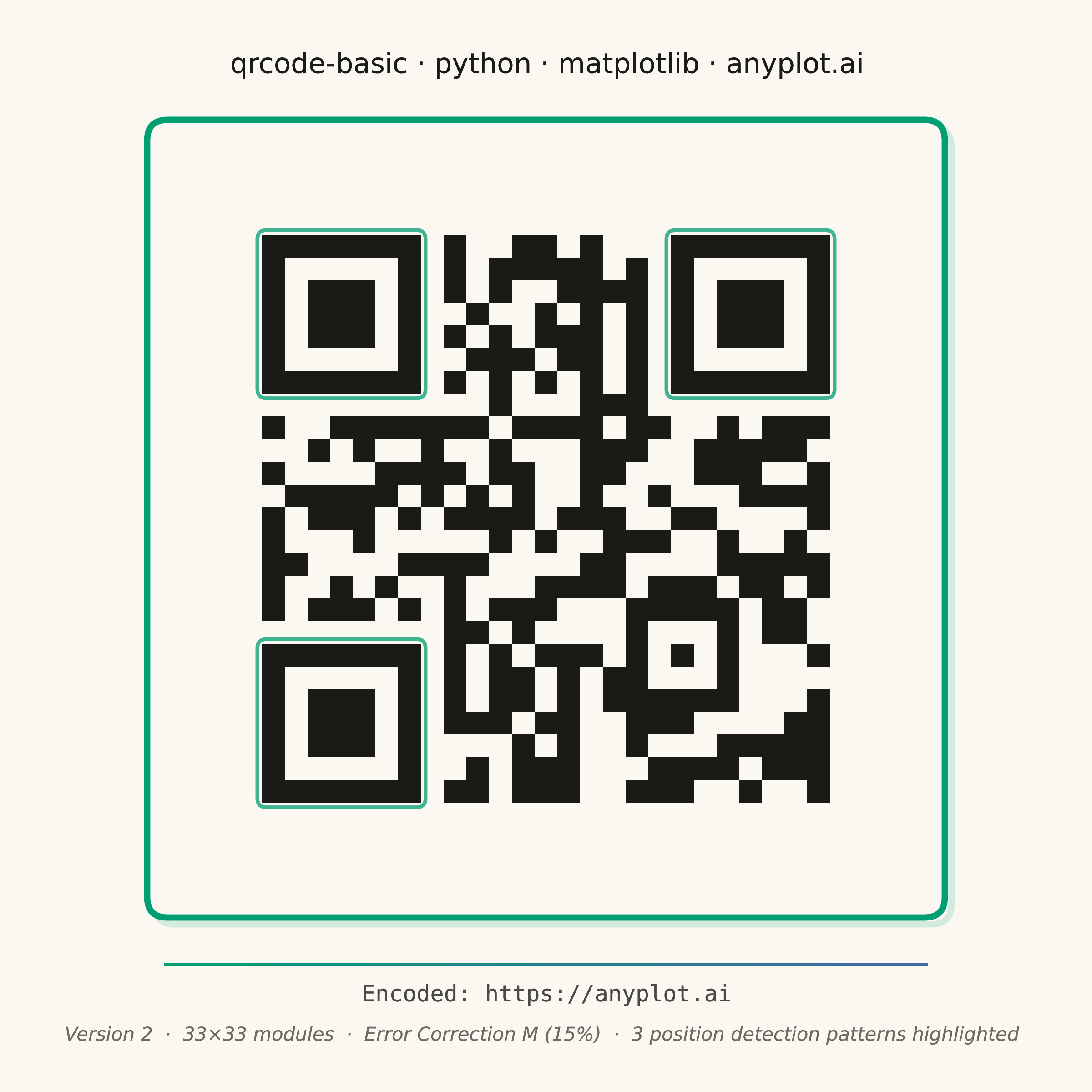
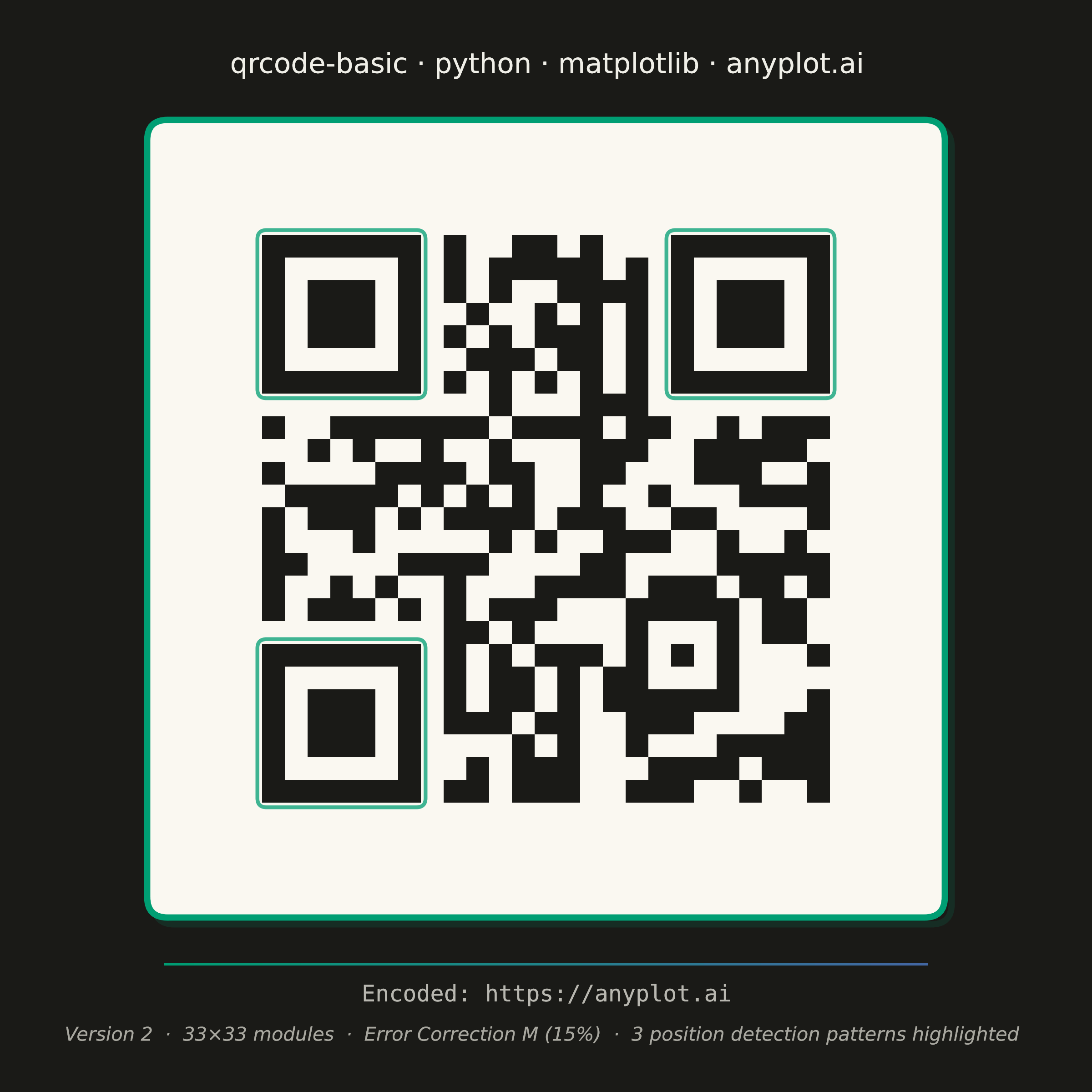
A QR (Quick Response) code visualization that encodes text or URL data into a square matrix barcode pattern. QR codes are two-dimensional barcodes that store information in a grid of black and white squares, readable by smartphones and dedicated scanners. This visualization is useful for generating scannable codes for quick data sharing and mobile access.
""" anyplot.ai
qrcode-basic: Basic QR Code Generator
Library: matplotlib 3.11.0 | Python 3.13.14
Quality: 91/100 | Updated: 2026-06-24
"""

import os
import sys


# This file is named matplotlib.py. Remove its directory from sys.path to
# prevent it from shadowing the matplotlib package during import.
_this_dir = os.path.dirname(os.path.abspath(__file__))
sys.path = [p for p in sys.path if os.path.abspath(p or ".") != _this_dir]

import matplotlib.patches as mpatches
import matplotlib.patheffects as pe
import matplotlib.pyplot as plt
import numpy as np
import qrcode
from matplotlib.colors import LinearSegmentedColormap, ListedColormap


# Theme-adaptive chrome tokens
THEME = os.getenv("ANYPLOT_THEME", "light")
PAGE_BG = "#FAF8F1" if THEME == "light" else "#1A1A17"
ELEVATED_BG = "#FFFDF6" if THEME == "light" else "#242420"
INK = "#1A1A17" if THEME == "light" else "#F0EFE8"
INK_SOFT = "#4A4A44" if THEME == "light" else "#B8B7B0"
INK_MUTED = "#6B6A63" if THEME == "light" else "#A8A79F"

# Imprint palette — first categorical series always #009E73
IMPRINT_PALETTE = ["#009E73", "#C475FD", "#4467A3", "#BD8233", "#AE3030", "#2ABCCD", "#954477", "#99B314"]
BRAND = IMPRINT_PALETTE[0]  # #009E73

# Data — generate a real, scannable QR code encoding URL
content = "https://anyplot.ai"
qr = qrcode.QRCode(version=1, error_correction=qrcode.constants.ERROR_CORRECT_M, box_size=1, border=4)
qr.add_data(content)
qr.make(fit=True)
qr_matrix = np.array(qr.get_matrix(), dtype=int)
rows, cols = qr_matrix.shape  # includes 4-module quiet zone border on each side

# Square canvas: 2400×2400 px — QR code is inherently square
fig, ax = plt.subplots(figsize=(6, 6), dpi=400, facecolor=PAGE_BG)
ax.set_facecolor(PAGE_BG)

# QR modules: always dark on light background for reliable scanner recognition
QR_CARD = "#FAF8F1"  # cream card, scannable in both light and dark themes
QR_MOD = "#1A1A17"  # dark modules, high contrast
qr_cmap = ListedColormap([QR_CARD, QR_MOD])
ax.imshow(qr_matrix, cmap=qr_cmap, interpolation="nearest", vmin=0, vmax=1, aspect="equal", zorder=2)
ax.set_axis_off()

# Axes limits: margin provides space for the decorative frame
margin = 2.5
ax.set_xlim(-margin, cols - 1 + margin)
ax.set_ylim(rows - 1 + margin, -margin)  # inverted y so row-0 appears at top

# Rounded card background (keeps QR on light surface even in dark theme)
cp = 0.7  # card padding around QR module boundary
card = mpatches.FancyBboxPatch(
    (-0.5 - cp, -0.5 - cp),
    cols + 2 * cp,
    rows + 2 * cp,
    boxstyle=mpatches.BoxStyle.Round(pad=0.35, rounding_size=0.9),
    facecolor=QR_CARD,
    edgecolor=BRAND,
    linewidth=2.5,
    zorder=1,
)
ax.add_patch(card)

# Shadow for visual depth (behind card)
shadow = mpatches.FancyBboxPatch(
    (-0.5 - cp + 0.3, -0.5 - cp + 0.3),
    cols + 2 * cp,
    rows + 2 * cp,
    boxstyle=mpatches.BoxStyle.Round(pad=0.35, rounding_size=0.9),
    facecolor="none",
    edgecolor=BRAND,
    linewidth=2.5,
    alpha=0.15,
    zorder=0,
)
ax.add_patch(shadow)

# Highlight the 3 Position Detection (finder) patterns with BRAND green outlines
# QR v2: 25×25 data area + 4-module quiet zone → 33×33 total matrix
# Finder centers in data coords (x=col, y=row):
#   top-left (bsz+3, bsz+3), top-right (cols-1-bsz-3, bsz+3), bottom-left (bsz+3, rows-1-bsz-3)
bsz = qr.border  # quiet zone border width in modules
fhalf = 3.5  # half of 7-module finder pattern width

finder_centers = [
    (bsz + 3, bsz + 3),  # top-left
    (cols - 1 - bsz - 3, bsz + 3),  # top-right
    (bsz + 3, rows - 1 - bsz - 3),  # bottom-left
]
for fx, fy in finder_centers:
    ax.add_patch(
        mpatches.FancyBboxPatch(
            (fx - fhalf, fy - fhalf),
            7,
            7,
            boxstyle=mpatches.BoxStyle.Round(pad=0.2, rounding_size=0.4),
            facecolor="none",
            edgecolor=BRAND,
            linewidth=1.5,
            alpha=0.75,
            zorder=3,
        )
    )

# Title with subtle PathEffects glow
title_str = "qrcode-basic · python · matplotlib · anyplot.ai"
title = ax.set_title(title_str, fontsize=11, fontweight="medium", color=INK, pad=10)
title.set_path_effects([pe.withStroke(linewidth=2.5, foreground=PAGE_BG), pe.Normal()])

# Gradient accent divider: Imprint palette brand green → blue
imprint_grad = LinearSegmentedColormap.from_list("imprint_grad", [BRAND, IMPRINT_PALETTE[2]])
accent_ax = fig.add_axes([0.15, 0.116, 0.70, 0.0018])
accent_ax.imshow(np.linspace(0, 1, 256).reshape(1, -1), aspect="auto", cmap=imprint_grad, extent=[0, 1, 0, 1])
accent_ax.set_axis_off()

# Footer: encoded URL (monospace) and QR structural metadata
encoded_t = fig.text(0.5, 0.083, f"Encoded: {content}", ha="center", fontsize=9, color=INK_SOFT, family="monospace")
encoded_t.set_path_effects([pe.withStroke(linewidth=1.5, foreground=PAGE_BG), pe.Normal()])

meta_str = (
    f"Version {qr.version}  ·  {rows}×{cols} modules  ·  "
    f"Error Correction M (15%)  ·  3 position detection patterns highlighted"
)
meta_t = fig.text(0.5, 0.047, meta_str, ha="center", fontsize=7.5, color=INK_MUTED, style="italic")
meta_t.set_path_effects([pe.withStroke(linewidth=1.2, foreground=PAGE_BG), pe.Normal()])

fig.subplots_adjust(left=0.08, right=0.92, top=0.91, bottom=0.14)

plt.savefig(f"plot-{THEME}.png", dpi=400, facecolor=PAGE_BG)
plt.close()
Runnable source as JSON, for any HTTP client: https://api.anyplot.ai/specs/qrcode-basic/matplotlib/code. Any spec id and library id listed in llms-full.txt fit the same URL shape; every URL below is complete and callable.
{
  "spec_id": "qrcode-basic",
  "language": "python",
  "library": "matplotlib",
  "page": "https://anyplot.ai/qrcode-basic/python/matplotlib",
  "hub": "https://anyplot.ai/qrcode-basic",
  "code_json": "https://api.anyplot.ai/specs/qrcode-basic/matplotlib/code",
  "spec_json": "https://api.anyplot.ai/specs/qrcode-basic",
  "render_light_png": "https://storage.googleapis.com/anyplot-images/plots/qrcode-basic/python/matplotlib/plot-light.png",
  "render_dark_png": "https://storage.googleapis.com/anyplot-images/plots/qrcode-basic/python/matplotlib/plot-dark.png",
  "quality_score": 91.0,
  "license": "MIT",
  "guide": "https://anyplot.ai/llms.txt"
}
Part of Basic QR Code Generator on anyplot.ai.