The same plot in 14 other libraries — Python: Altair, Bokeh, lets-plot, Matplotlib, Plotly, plotnine, Pygal, Seaborn; R: ggplot2; JavaScript: Chart.js, D3.js, Apache ECharts, Highcharts, MUI X Charts. Compare all 15 side by side: Basic QR Code Generator in Python, R, Julia and JavaScript.
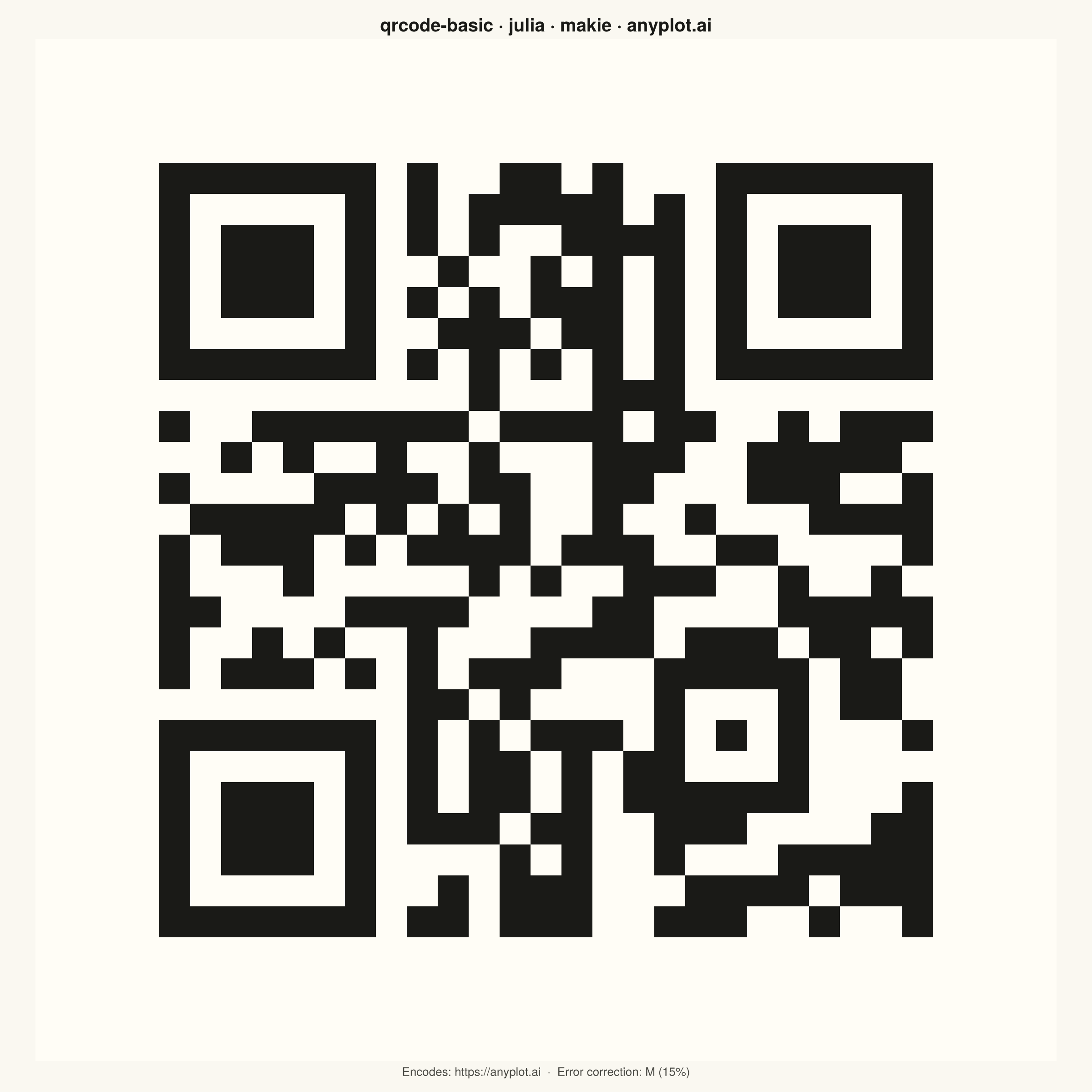
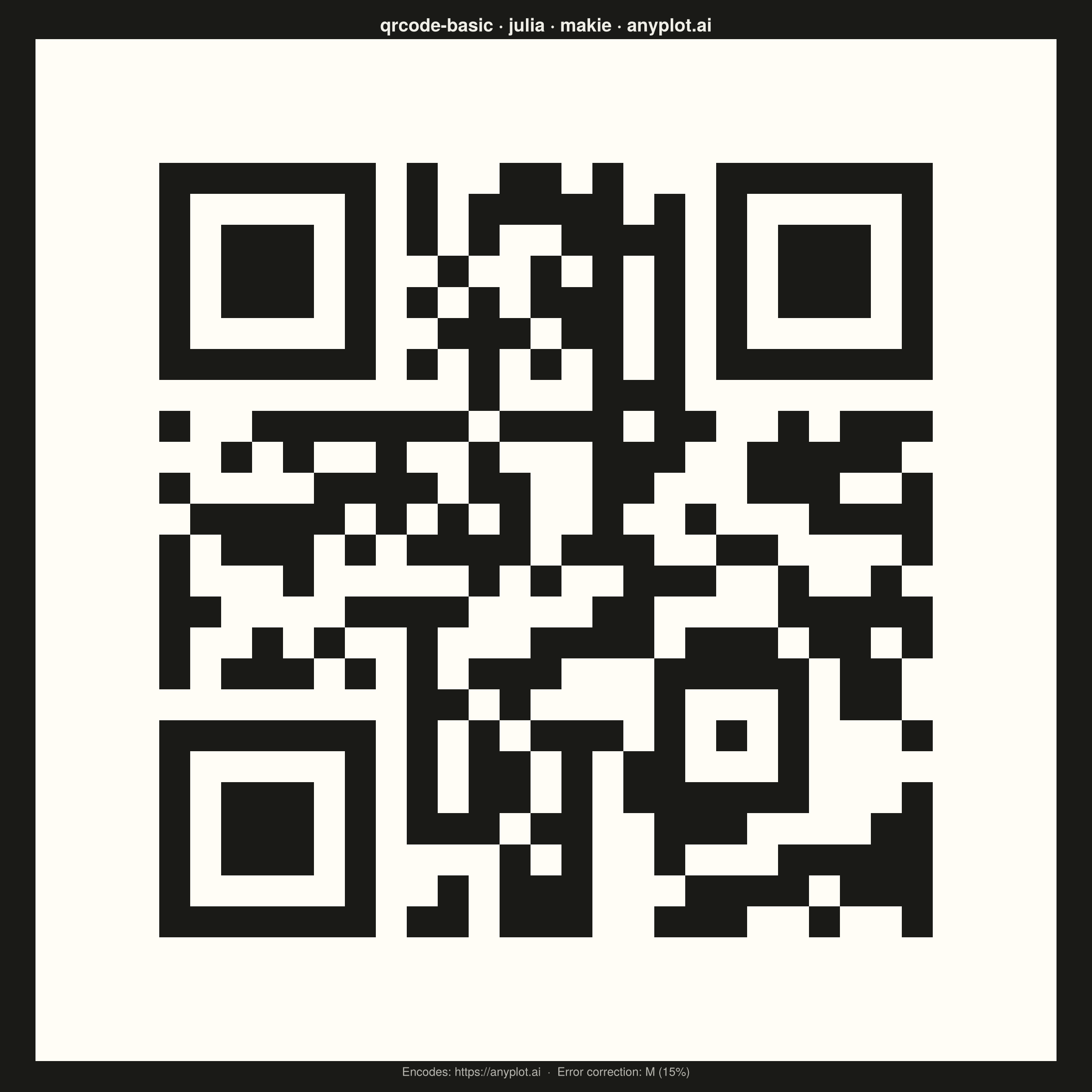
A QR (Quick Response) code visualization that encodes text or URL data into a square matrix barcode pattern. QR codes are two-dimensional barcodes that store information in a grid of black and white squares, readable by smartphones and dedicated scanners. This visualization is useful for generating scannable codes for quick data sharing and mobile access.
# anyplot.ai
# qrcode-basic: Basic QR Code Generator
# Library: makie 0.21.9 | Julia 1.11.9
# Quality: 94/100 | Created: 2026-06-24

using CairoMakie
using Colors
using QRCoders

const THEME       = get(ENV, "ANYPLOT_THEME", "light")
const PAGE_BG     = THEME == "light" ? colorant"#FAF8F1" : colorant"#1A1A17"
const INK         = THEME == "light" ? colorant"#1A1A17" : colorant"#F0EFE8"
const INK_SOFT    = THEME == "light" ? colorant"#4A4A44" : colorant"#B8B7B0"

# QR code is always dark-on-light for scanner reliability
const QR_MODULE = colorant"#1A1A17"
const QR_BG     = colorant"#FFFDF6"

# Data: encode the anyplot.ai URL with Medium error correction (M = 15%)
url       = "https://anyplot.ai"
qr_raw    = qrcode(url; eclevel = Medium())
n         = size(qr_raw, 1)

# Add ISO/IEC 18004 quiet zone: 4 modules on each side
quiet  = 4
m      = n + 2 * quiet
padded = falses(m, m)
padded[quiet+1:quiet+n, quiet+1:quiet+n] .= qr_raw

# Convert to Float64 for the heatmap colormap (0 = light, 1 = dark)
z = Float64.(padded')

# Plot
fig = Figure(
    size            = (1200, 1200),
    fontsize        = 14,
    backgroundcolor = PAGE_BG,
)

ax = Axis(
    fig[1, 1];
    aspect             = DataAspect(),
    backgroundcolor    = QR_BG,
    title              = "Encode URL as QR Code · qrcode-basic · julia · makie · anyplot.ai",
    titlesize          = 20,
    titlecolor         = INK,
    xlabel             = "Encodes: $url  ·  Error correction: M (15%)",
    xlabelsize         = 15,
    xlabelcolor        = INK_SOFT,
    topspinevisible    = false,
    rightspinevisible  = false,
    leftspinevisible   = false,
    bottomspinevisible = false,
    xticksvisible      = false,
    yticksvisible      = false,
    xticklabelsvisible = false,
    yticklabelsvisible = false,
    xgridvisible       = false,
    ygridvisible       = false,
    yreversed          = true,
)

heatmap!(ax, z;
    colormap   = [QR_BG, QR_MODULE],
    colorrange = (0.0, 1.0),
)

save("plot-$(THEME).png", fig; px_per_unit = 2)
Runnable source as JSON, for any HTTP client: https://api.anyplot.ai/specs/qrcode-basic/makie/code. Any spec id and library id listed in llms-full.txt fit the same URL shape; every URL below is complete and callable.
{
  "spec_id": "qrcode-basic",
  "language": "julia",
  "library": "makie",
  "page": "https://anyplot.ai/qrcode-basic/julia/makie",
  "hub": "https://anyplot.ai/qrcode-basic",
  "code_json": "https://api.anyplot.ai/specs/qrcode-basic/makie/code",
  "spec_json": "https://api.anyplot.ai/specs/qrcode-basic",
  "render_light_png": "https://storage.googleapis.com/anyplot-images/plots/qrcode-basic/julia/makie/plot-light.png",
  "render_dark_png": "https://storage.googleapis.com/anyplot-images/plots/qrcode-basic/julia/makie/plot-dark.png",
  "quality_score": 94.0,
  "license": "MIT",
  "guide": "https://anyplot.ai/llms.txt"
}
Part of Basic QR Code Generator on anyplot.ai.